Technical SEO Priorities That Actually Move Rankings (Even With Limited Resources)
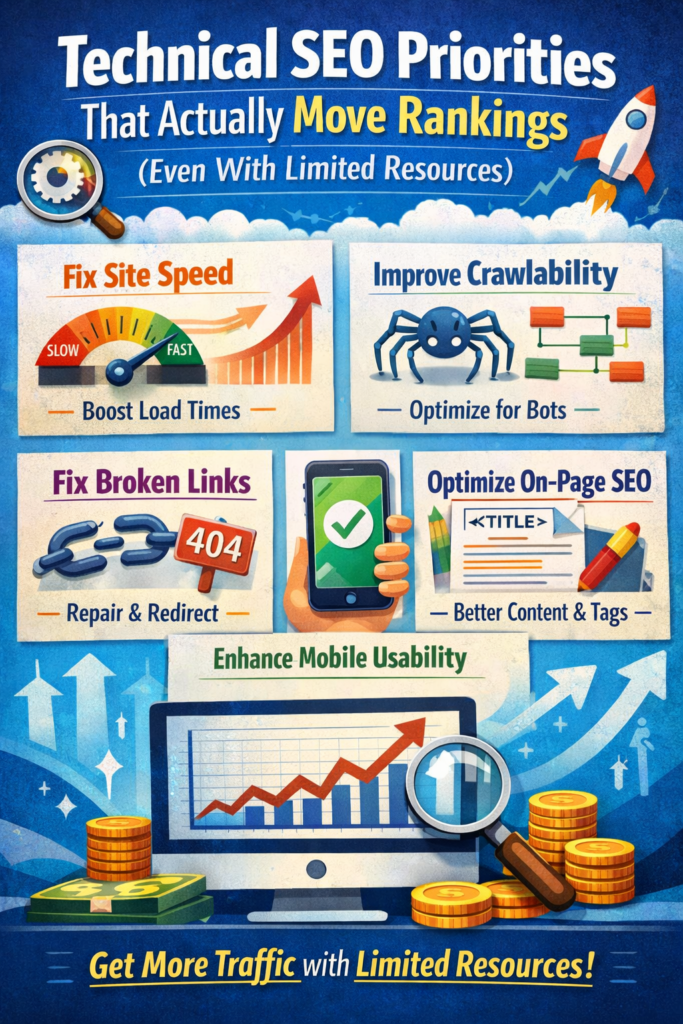
How to identify and fix the highest-impact technical SEO issues on your website from site architecture and crawl budget to Core Web Vitals and page speed.
Technical SEO is one of the most powerful levers for improving your website’s Google rankings but it’s also where most businesses get stuck. Between competing priorities, limited developer bandwidth, and an endless list of potential fixes, it’s easy to waste time on low-impact changes while the real ranking blockers go unresolved.
At Vertex Web Agency, we work with businesses across industries to cut through the noise and focus on the technical SEO improvements that deliver real, measurable results. Here’s exactly where to start.
Why Technical SEO Prioritization Is Critical in 2025
According to Aira’s State of Technical SEO Report, up to 67% of in-house SEO professionals say that competing non-SEO development tasks are the single biggest barrier to implementing technical fixes. This bottleneck is estimated to cost businesses over $35 million in lost revenue potential every year.
The solution isn’t to do everything it’s to do the right things first. When you can’t tackle it all, focus on the technical SEO areas that have the broadest impact on crawlability, indexability, and user experience. These three pillars are consistently correlated with higher Google rankings.
1. Site Architecture: Build the Foundation for SEO Success
If your website’s structure is disorganized, every other SEO effort becomes harder. Site architecture how your pages are organized, linked, and categorized directly influences how search engines crawl your site, how link equity flows, and how users navigate your content.
A well-structured website mirrors the way people search. Your content hierarchy should reflect keyword themes and search intent across every stage of the customer journey. This approach, often called SEO siloing, keeps your topical authority concentrated and your internal linking signals strong.
What a Strong Site Architecture Looks Like
Think of your site as a pyramid. Your homepage sits at the top, followed by core category pages, then subcategory pages, then individual product or content pages. Each level feeds authority upward while guiding users downward toward conversion.
For example, an e-commerce site selling power tools might structure its content like this:
- Power Tools (main category page targets broad keywords like ‘buy power tools online’)
- Drills > Cordless Drills > 18V Cordless Drills (subcategory pages targeting mid-tail keywords)
- Individual product pages targeting long-tail, high-intent keywords
Every page should have a clear purpose, a defined keyword target, and logical internal links that connect it to related content. This makes it easy for both users and Google to understand what your site is about and why it should rank.
2. Crawling and Indexing: Make Sure Google Can Find Your Pages
No matter how good your content is, it won’t rank if Google can’t crawl and index it properly. Crawling and indexing issues are among the most common and most damaging technical SEO problems, especially for larger websites.
Fix Indexing Issues First
Start with Google Search Console. Open the Page Indexing report and filter it by your XML sitemap. Any URLs that appear in your sitemap but aren’t indexed by Google should be your first priority for investigation.
Common reasons pages go unindexed include:
- Robots.txt rules accidentally blocking important sections of the site
- Noindex meta tags that were added during development and never removed
- Canonical tags pointing to the wrong URL versions
- JavaScript rendering issues that prevent Google from seeing page content
Each of these issues has a direct fix, and resolving them can unlock ranking improvements quickly especially if your most important pages are affected.
Eliminate Crawl Signal Dilution
Duplicate content and conflicting signals confuse search engines and dilute the ranking power of your best pages. In large websites, this often happens at the template level a single structural issue can weaken hundreds or thousands of URLs simultaneously.
Watch out for:
- Multiple URL variations of the same page being indexed (HTTP vs HTTPS, trailing slashes, URL parameters)
- Canonical tags that contradict your internal links or sitemap
- Near-duplicate pages targeting the same search queries
- Broken or chained redirects that reduce crawl efficiency
Protect Your Crawl Budget
Your crawl budget the number of pages Google will crawl on your site within a given period is a finite resource. Wasting it on low-value pages means your important pages get crawled less frequently, which slows down indexing.
Common crawl budget wasters to address:
- Faceted navigation and URL parameter pages (filters, sorting options, pagination)
- Internal site search results being indexed
- Thin or auto-generated archive pages (tag, category, or date archives)
- Out-of-stock product pages with no content value
- Outdated or irrelevant content that’s still crawlable
- Staging or test environments accidentally accessible to search engines
3. Website Performance: Speed, Core Web Vitals & User Experience
Google’s Core Web Vitals are now a confirmed ranking factor, and site performance directly affects both your search rankings and your ability to convert the organic traffic you earn. Slow, unstable pages waste every click you’ve worked hard to get.
The business case for performance investment is well-documented: companies that improve page speed and user experience consistently see measurable gains in engagement and revenue. For your website, this means performance isn’t just a technical concern it’s a growth strategy.
Fix Backend Bottlenecks
Backend performance issues affect everything from Google’s crawl efficiency to your Time to First Byte (TTFB) score one of the key signals in Core Web Vitals assessment. High TTFB means slow page loads, lower rankings, and frustrated users.
Common backend problems to investigate:
- High TTFB on key page templates (homepage, product pages, category pages)
- Heavy CMS processing or middleware overhead
- Slow or unoptimized database queries
- Hosting infrastructure that can’t handle traffic spikes
High-impact fixes include implementing full-page caching, optimizing database queries, and migrating to scalable cloud hosting. These changes often deliver the fastest, broadest improvements to your overall site speed.
Reduce JavaScript and Rendering Overhead
JavaScript-heavy websites are increasingly common and increasingly problematic from an SEO standpoint. Third-party scripts, tag managers, personalization engines, and testing platforms accumulate over time, each adding render-blocking weight to your pages.
Signs you have a JavaScript problem:
- Large JS bundles loading sitewide on every page
- Third-party scripts blocking page rendering
- Poor Interaction to Next Paint (INP) scores in Google Search Console
- Critical above-the-fold content that depends on client-side rendering
Solutions include auditing and removing unused scripts, deferring non-critical JavaScript, and shifting key content to server-side or hybrid rendering. At Vertex Web Agency, we frequently find that removing just a few legacy scripts produces significant performance gains.
Optimize What Users See First (Core Web Vitals)
The first few seconds of a page load are the most critical both for user experience and for Google’s Core Web Vitals metrics (LCP, INP, and CLS). Common problems that hurt these scores:
- Hero images that load too slowly (poor Largest Contentful Paint / LCP)
- Render-blocking CSS or JavaScript in the page head
- Layout shifts caused by ads, embeds, or dynamically loaded content (poor CLS)
- Above-the-fold content delayed by non-critical assets
Strategic fixes include preloading and right-sizing above-the-fold images, inlining critical CSS, deferring non-essential scripts, and reserving layout space for dynamic elements. These changes improve perceived speed without requiring a full redesign.
Improve Page Speed to Maximize Crawl Efficiency
Faster pages get crawled more thoroughly. The larger and slower your pages are, the fewer Google will process in each crawl session which is a serious problem for large websites trying to get hundreds or thousands of pages indexed.
Use the Google Search Console Crawl Stats report to monitor Googlebot’s activity on your site. This often-overlooked tool shows total crawl requests, average response times, and total download sizes giving you a direct view into how your page speed is affecting Google’s ability to index your content.
Ready to Fix Your Technical SEO?
Technical SEO issues are costing your website rankings, traffic, and revenue every day they go unresolved. At Vertex Web Agency, we specialize in comprehensive technical SEO audits, site architecture planning, Core Web Vitals optimization, and performance fixes that produce real ranking improvements.
Whether you’re dealing with indexing problems, slow page speeds, crawl budget waste, or JavaScript rendering issues our team has the expertise to identify the root cause and implement solutions that last.
Contact Vertex Web Agency today for a free technical SEO consultation.
www.vertexwebagency.com | Technical SEO | Web Performance | Digital Growth
